
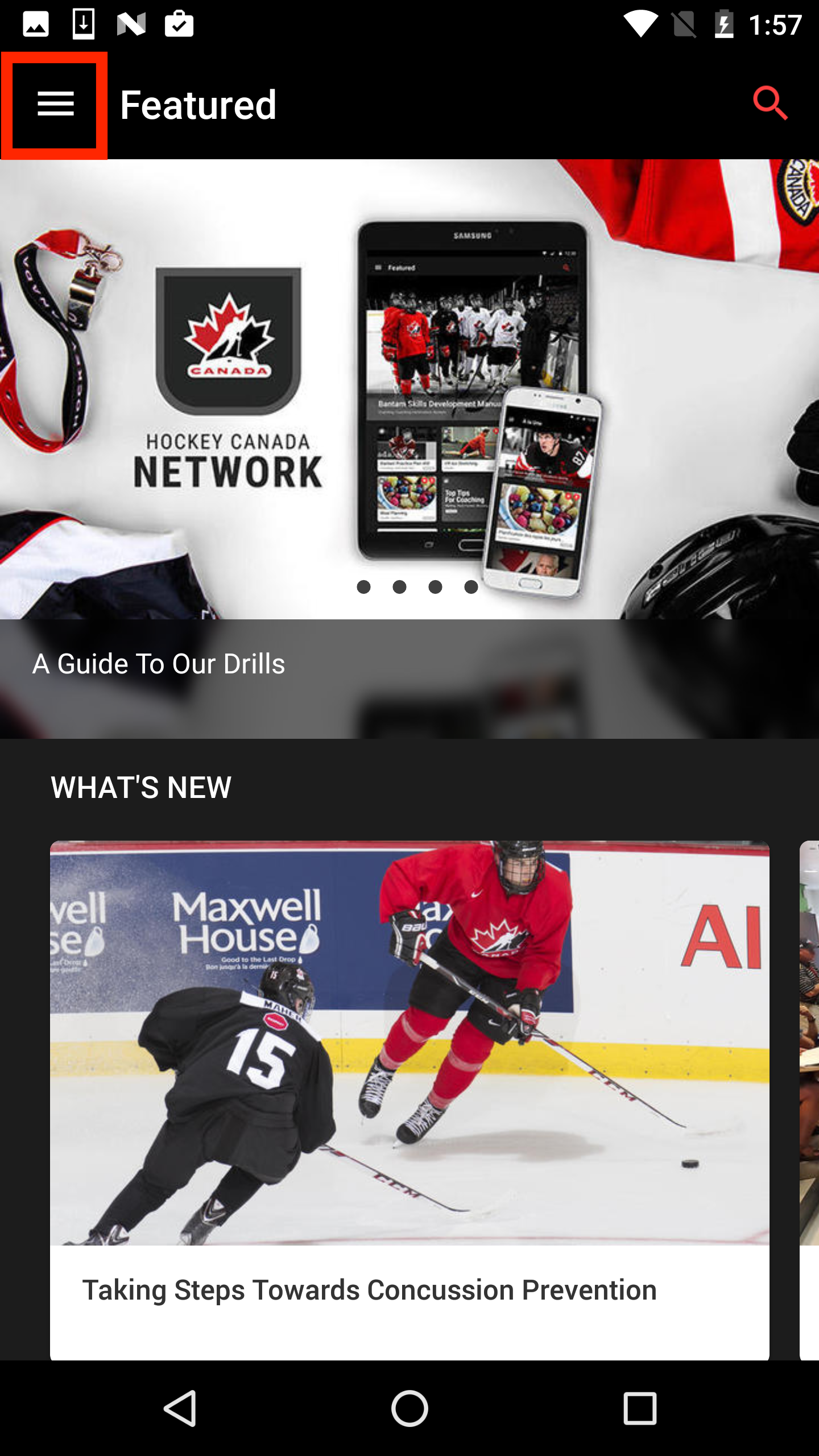
To create a training plan, open the navigation drawer using the icon in the top left corner.
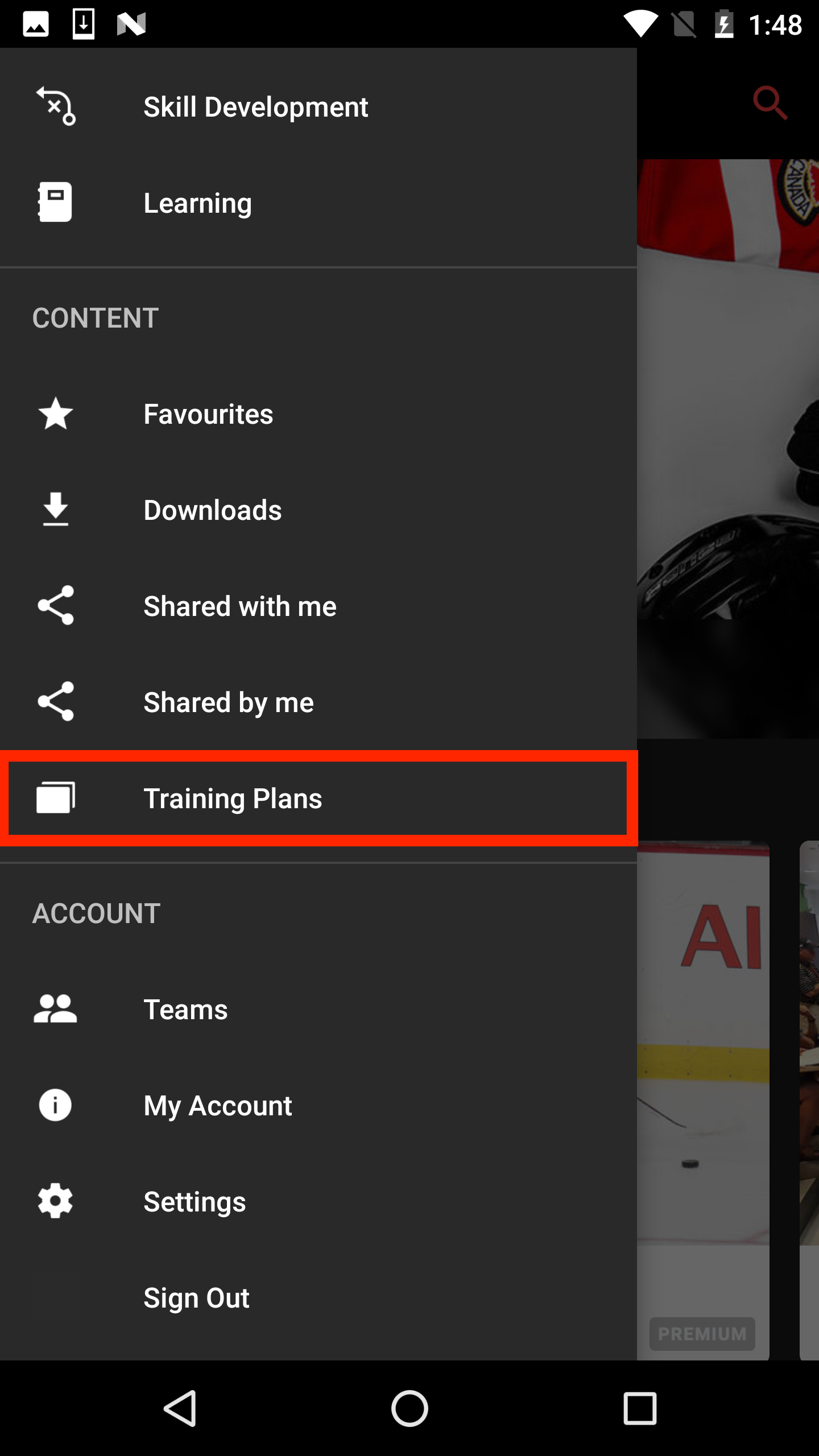
Go to the "Training Plans" section of your navigation drawer.
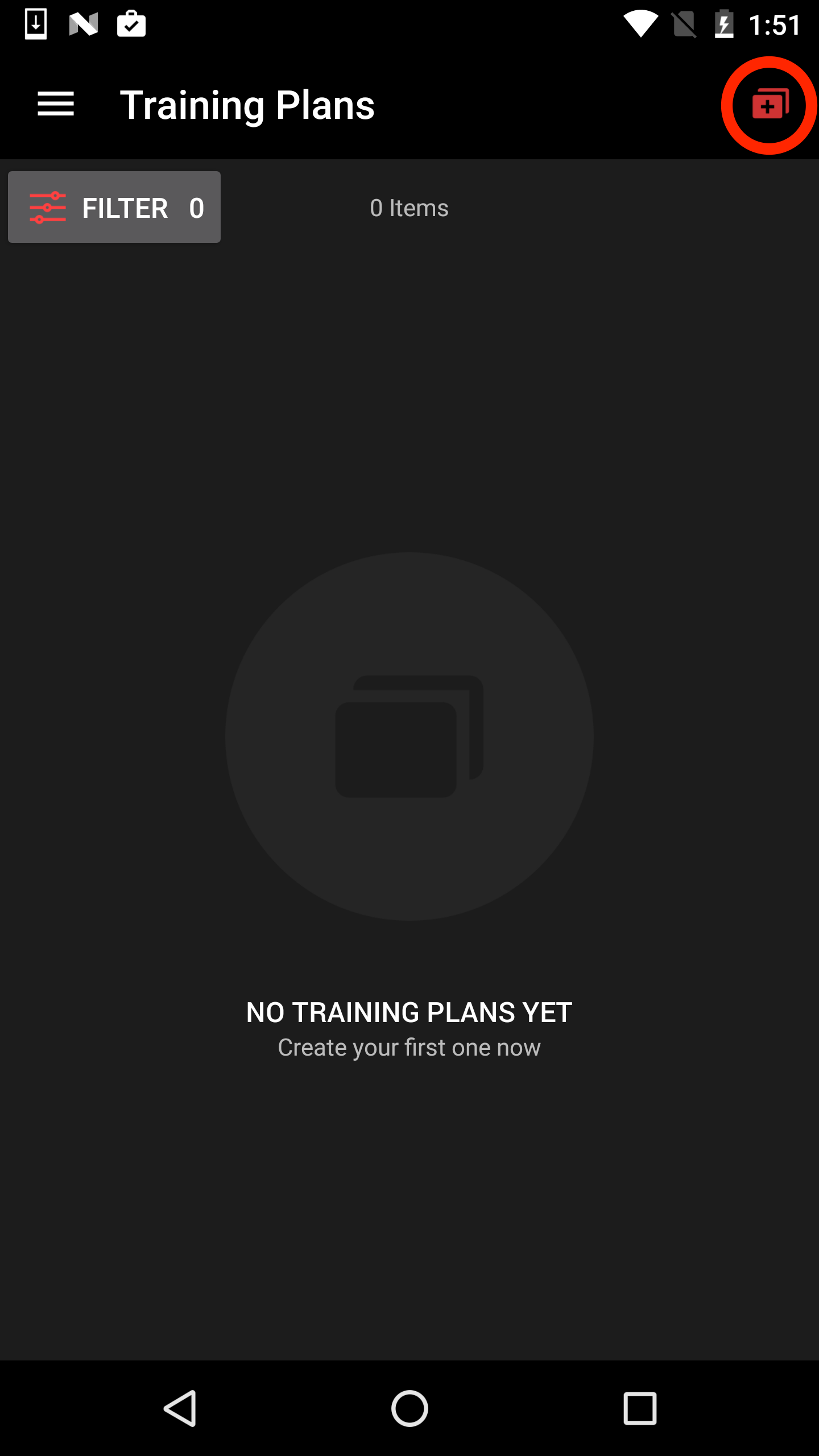
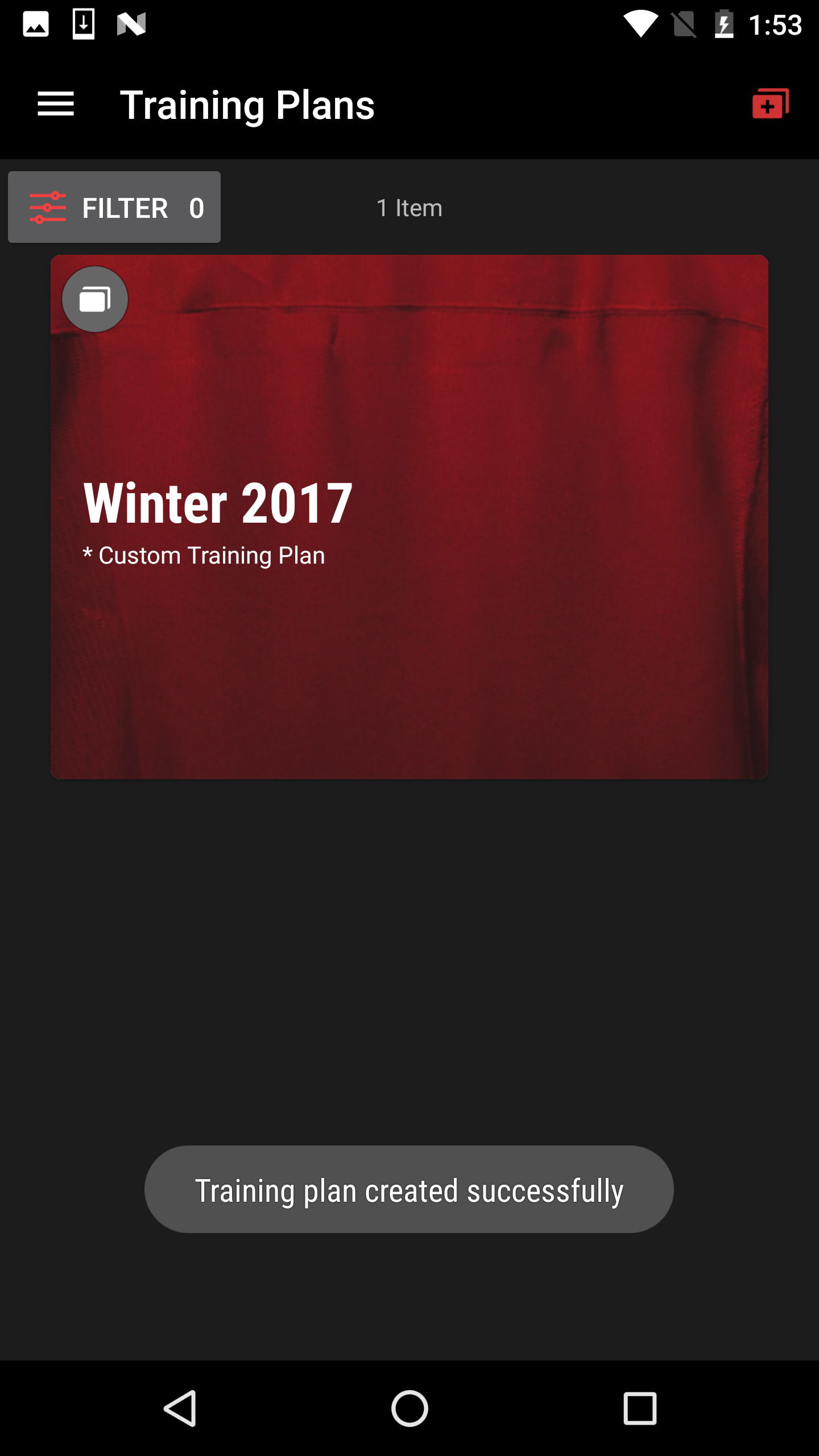
Click on the red icon in the top right corner to add a training plan.
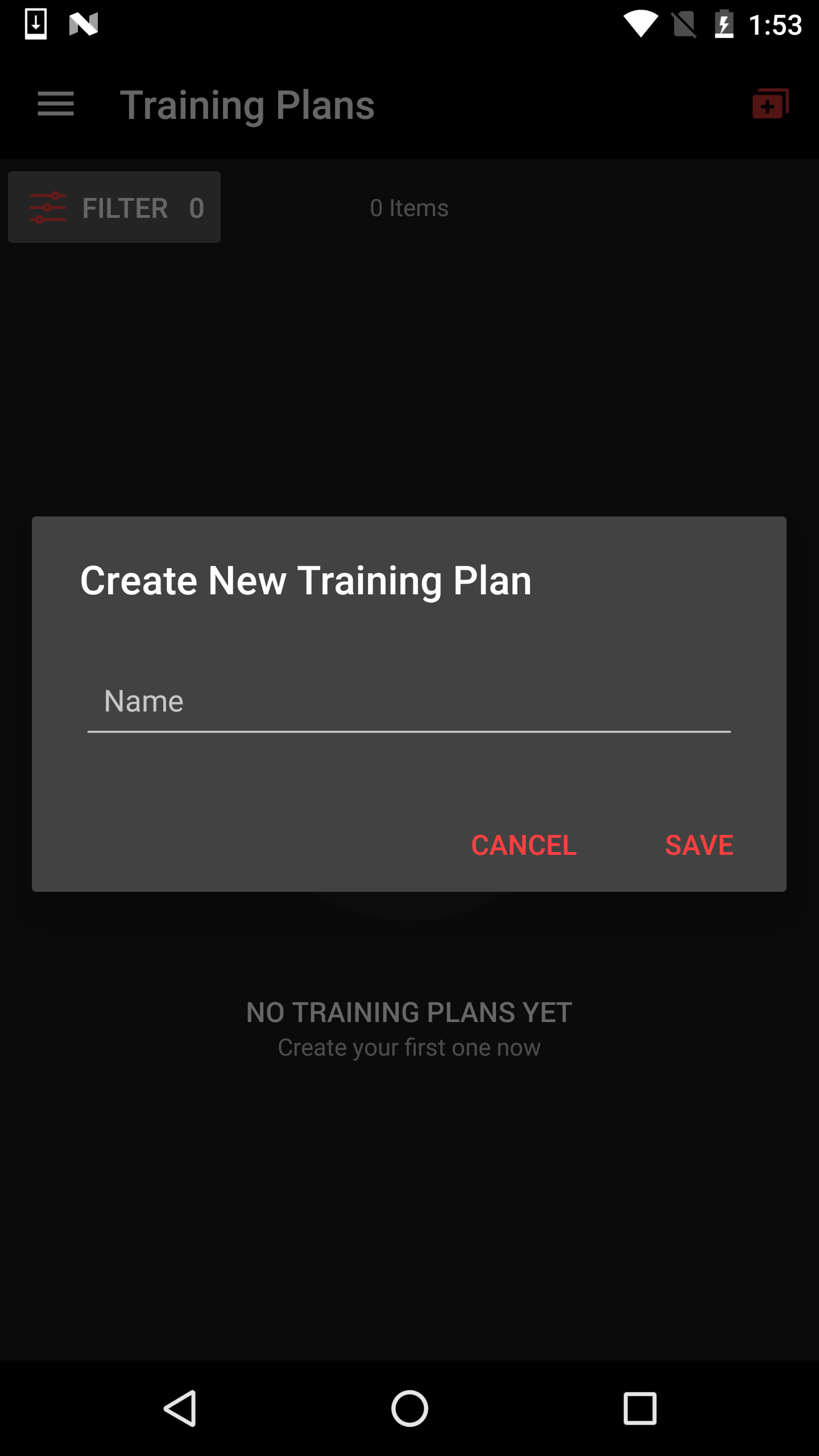
Input a title for your new training plan.
You have successfully created a training plan.
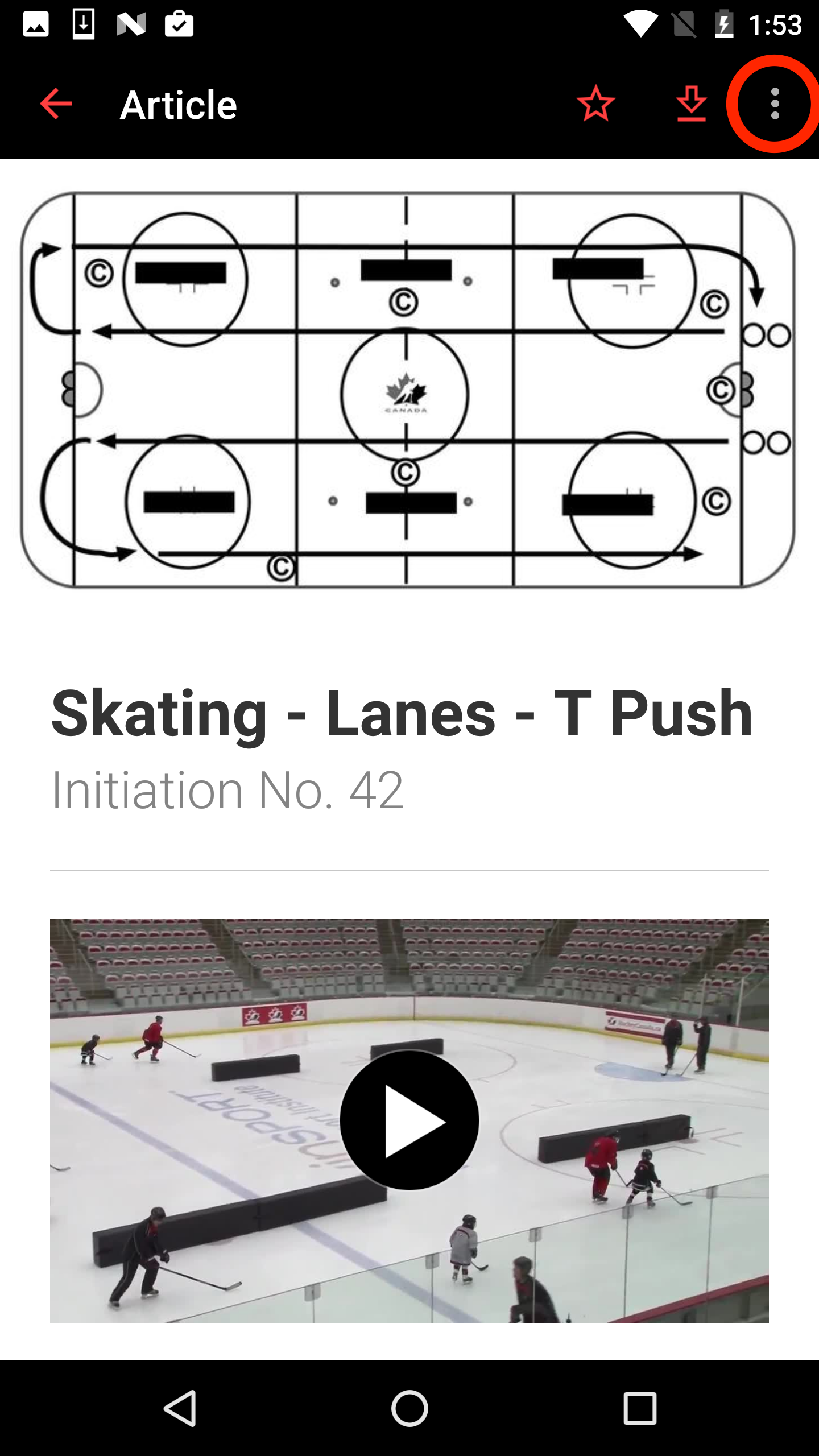
To add to your training plan, view the article or video you would like to add. Click to view more options in the top right corner.
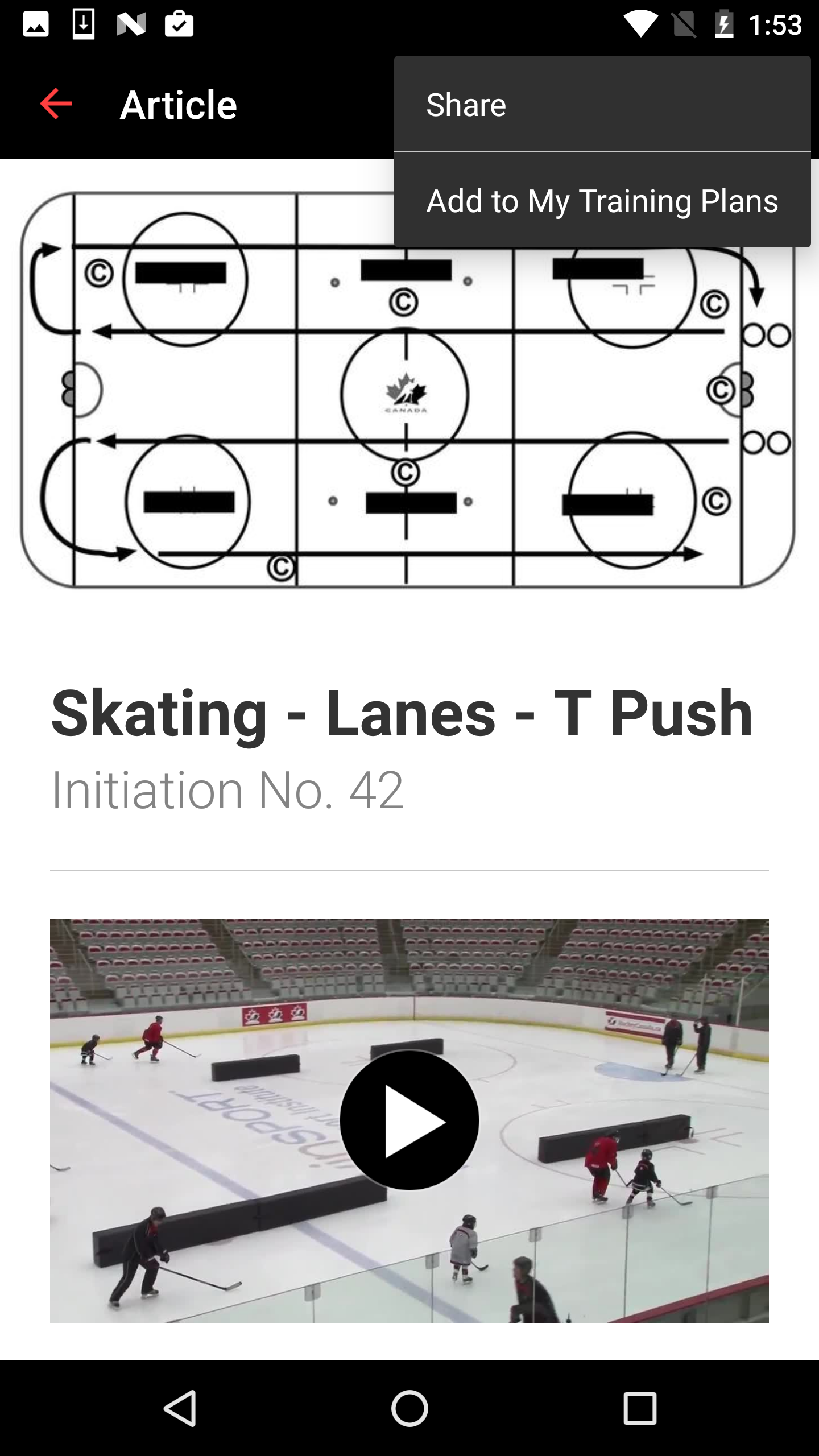
Click "Add to My Training Plans..."
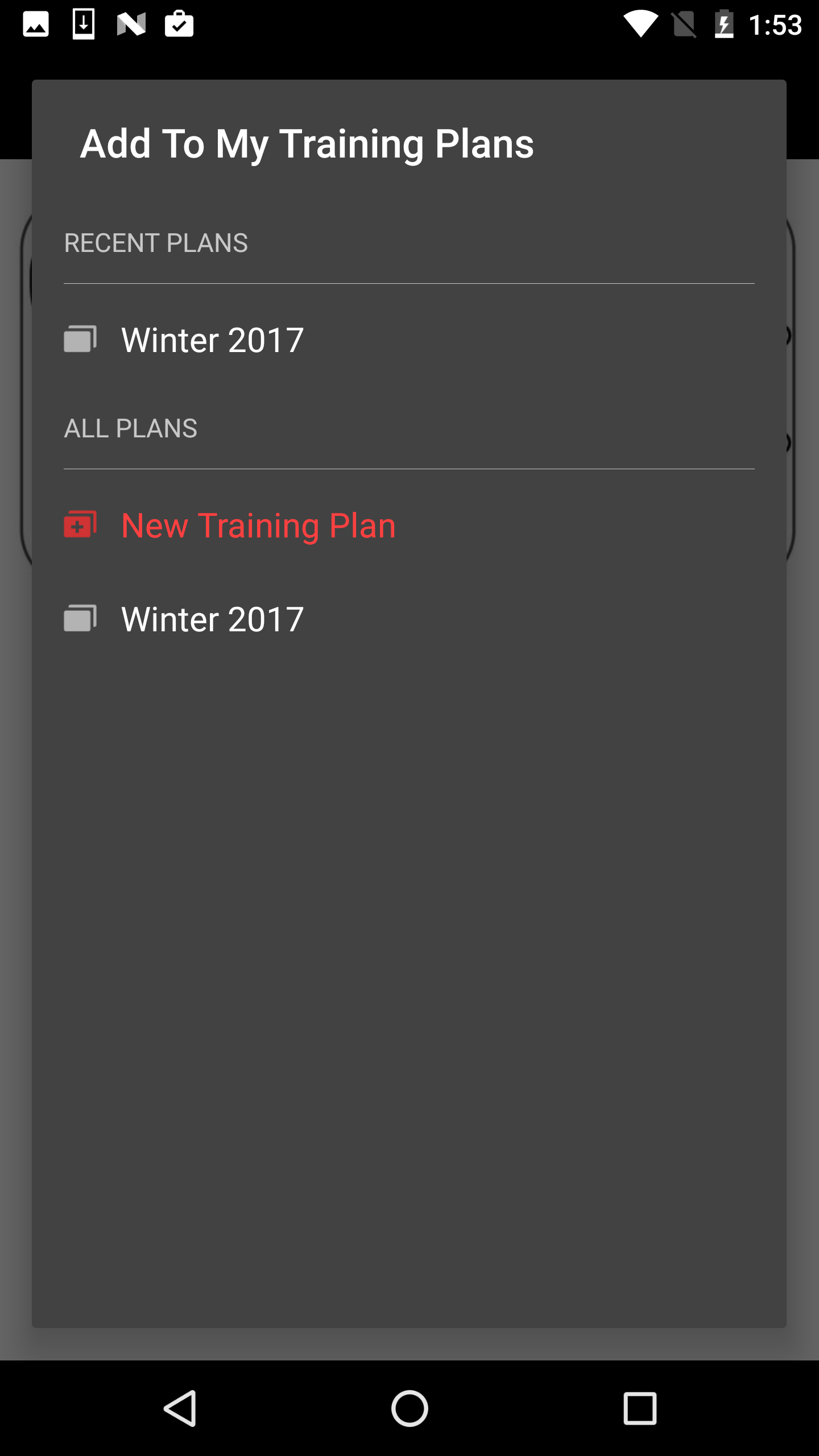
Select the appropriate training plan that you would like to add the article or video to.
You have now added to your training plan.
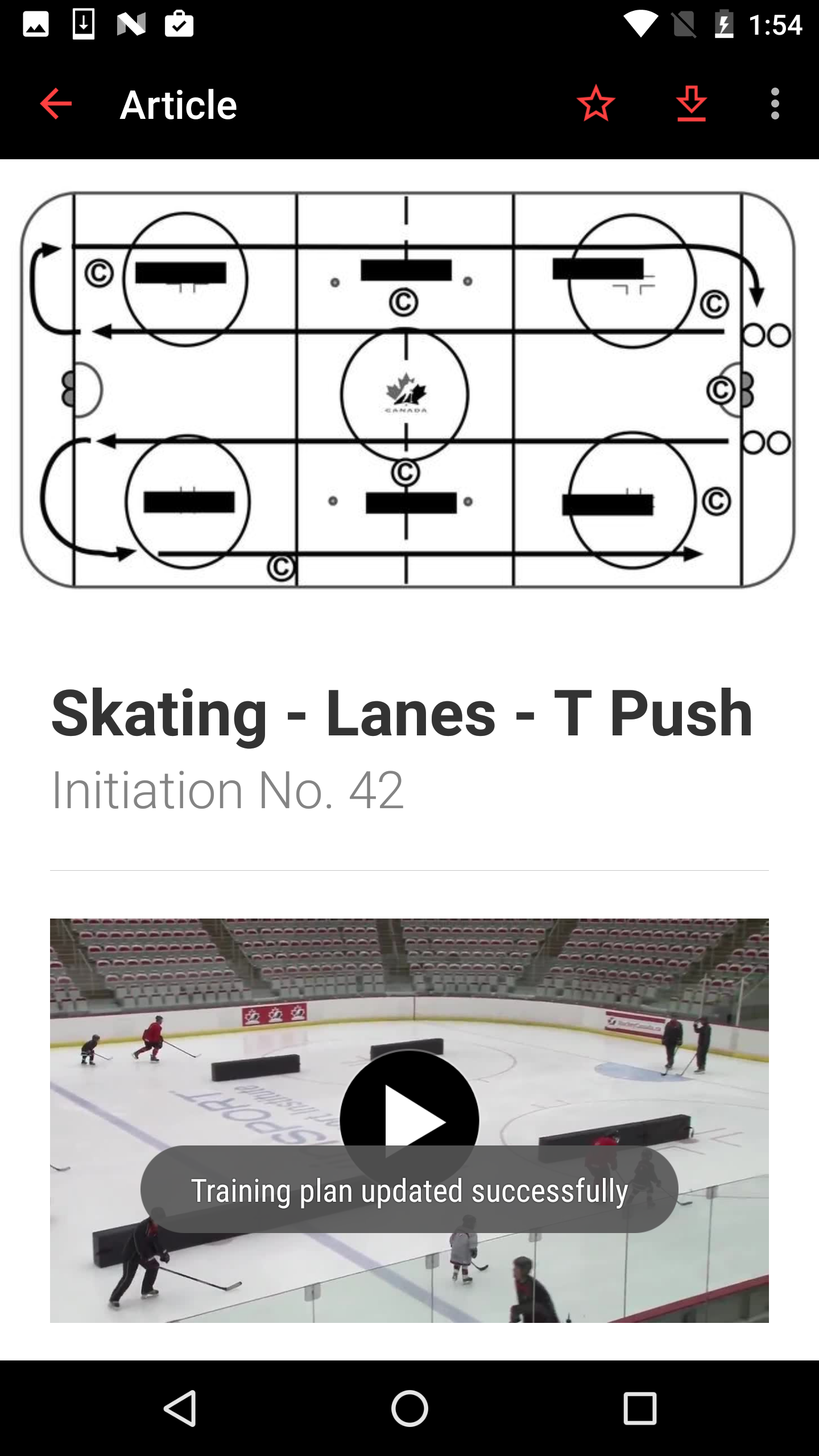
*Tip: You can also use Android's touch and hold feature to quickly add an article or video to your training plan. Click here to learn more about this feature.
Was this article helpful?
Still need help?Submit A Ticket