
When viewing a video or article, tap the share icon.

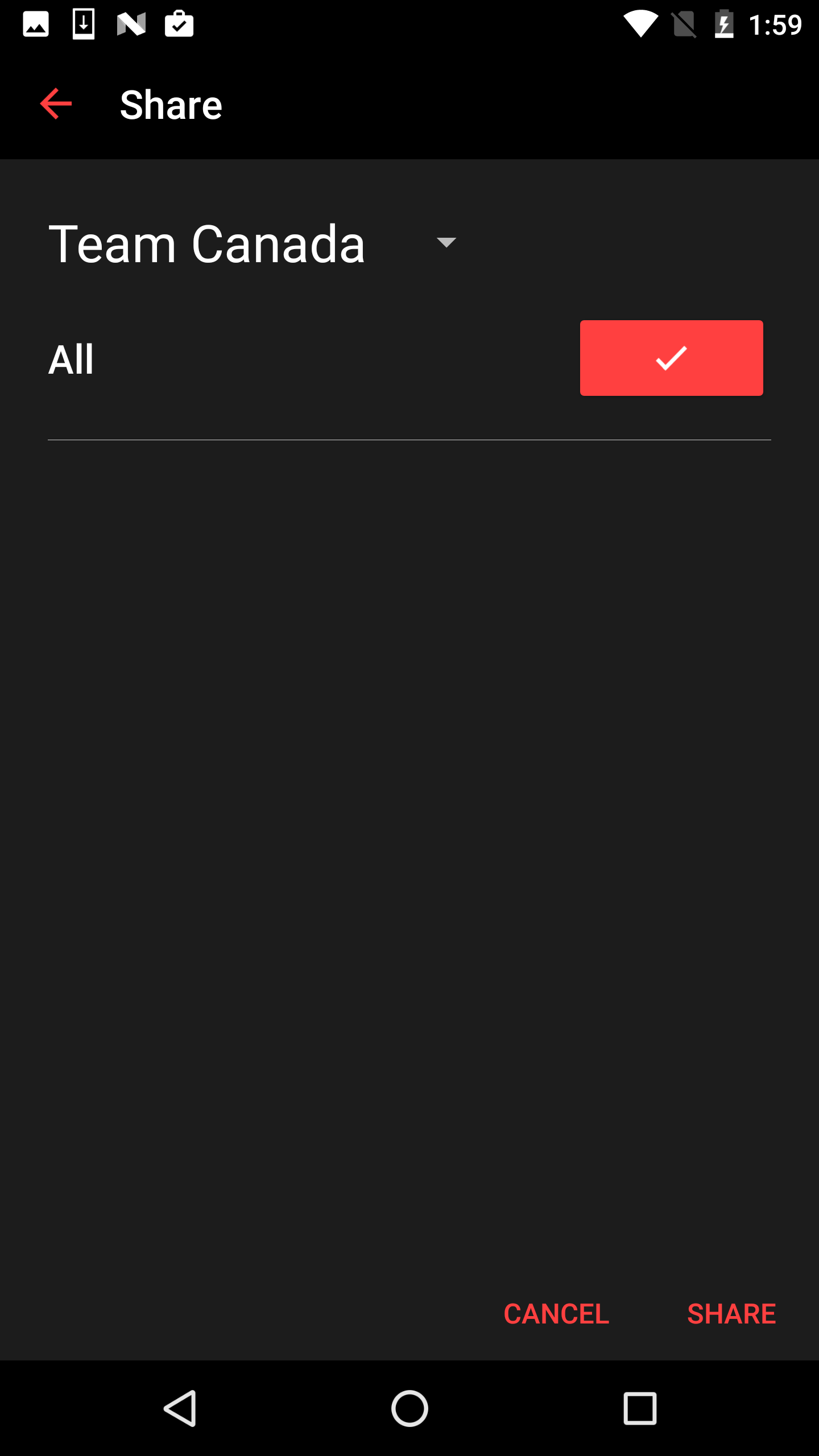
Choose which team you would like to share an article or video with. Click "Share" when you are finished.
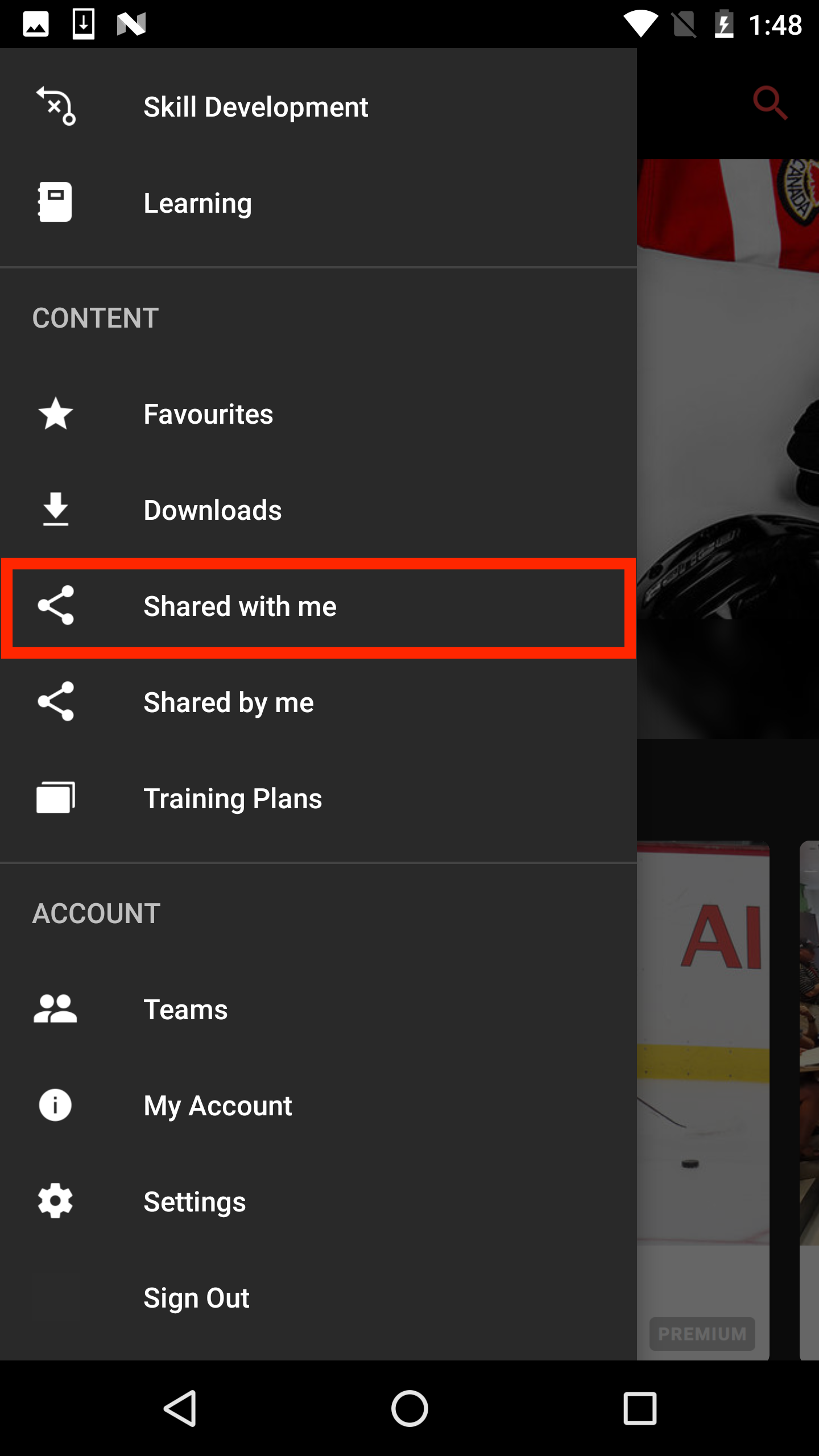
To view content shared with you, go to the "Shared with me" section of your navigation drawer.
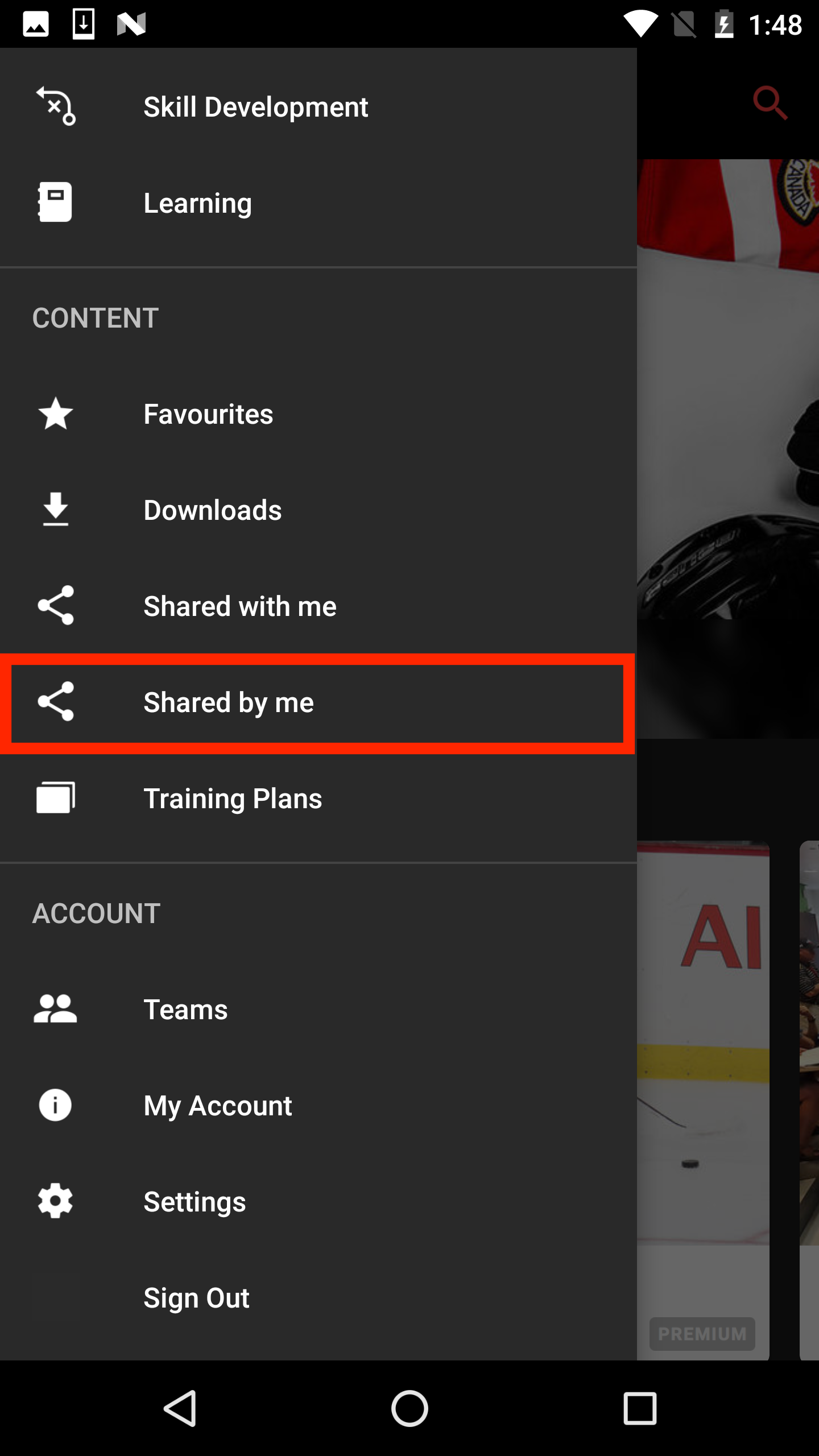
To view content shared by you, go to the "Shared by me" section of your navigation drawer.
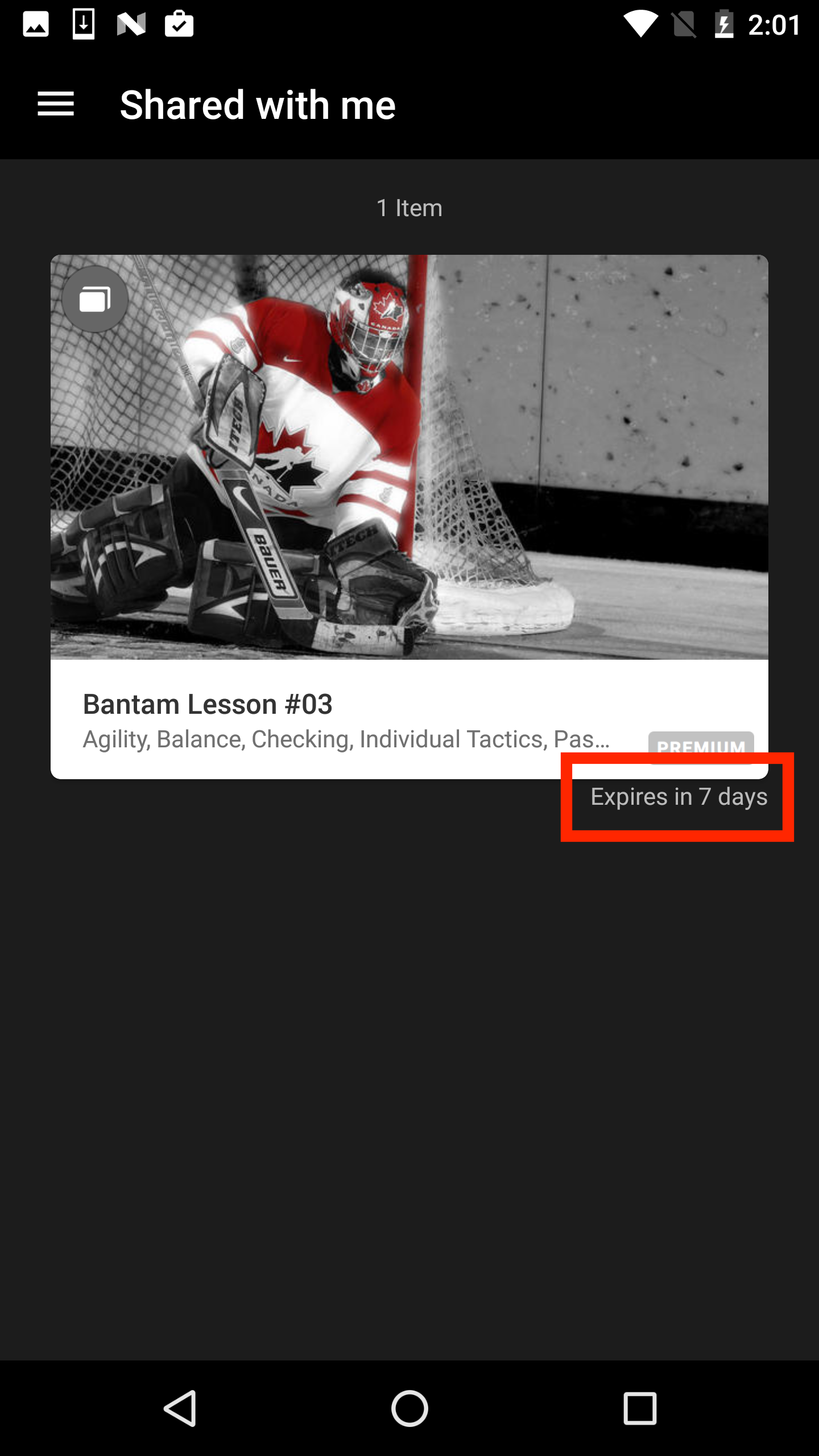
If you are not using a premium account, you will be able to view premium content shared with you for 7 days. You will see the expiry date in the bottom right corner of each article or video.
In order to share content, you will need to be a part of a team. If you have not created a team yet and need help doing so, please read our article here.
Was this article helpful?
Still need help?Submit A Ticket