
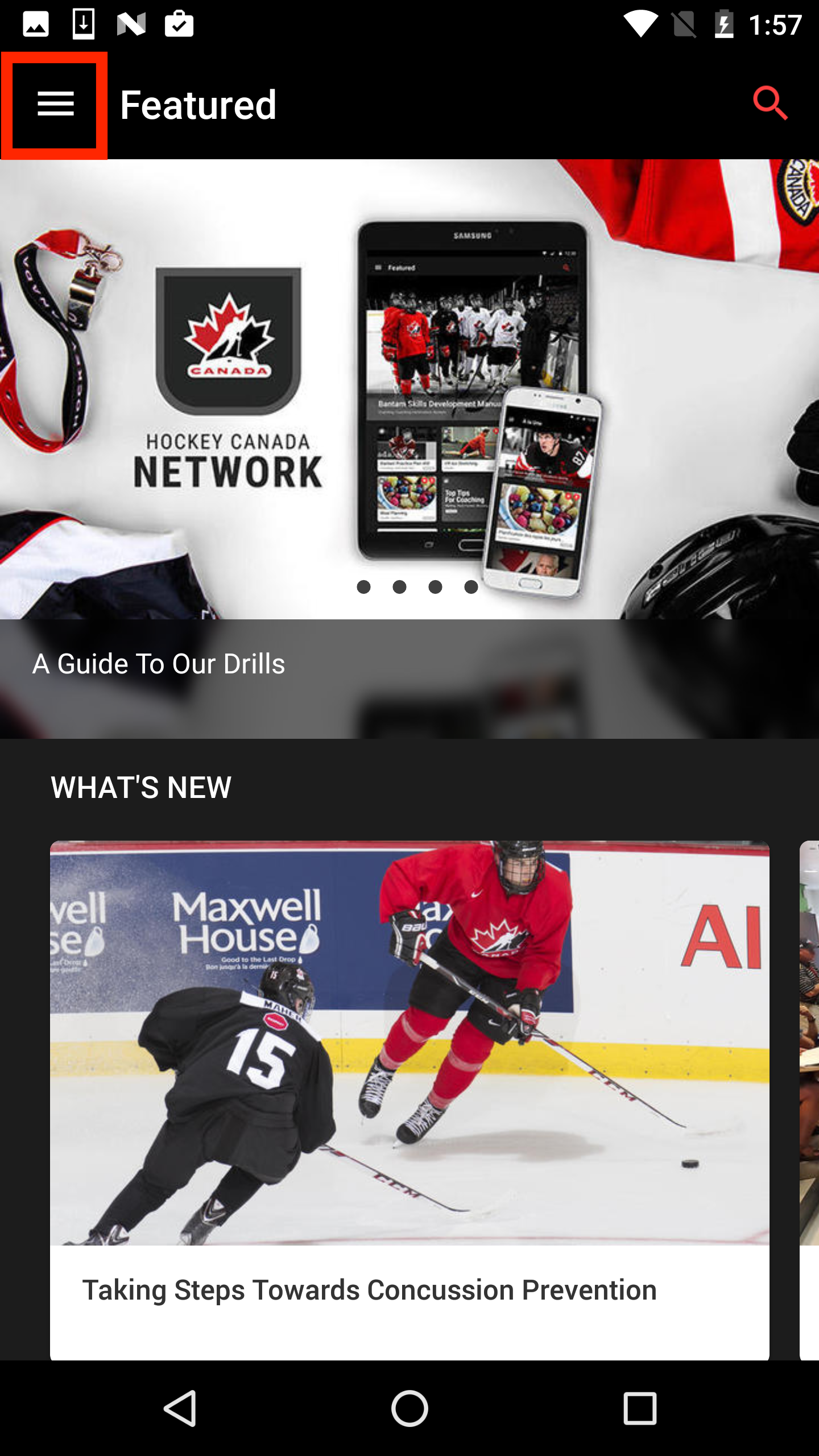
To update your profile information, email address or to change your Hockey Canada Network password, open the navigation drawer using the icon in the top left corner.
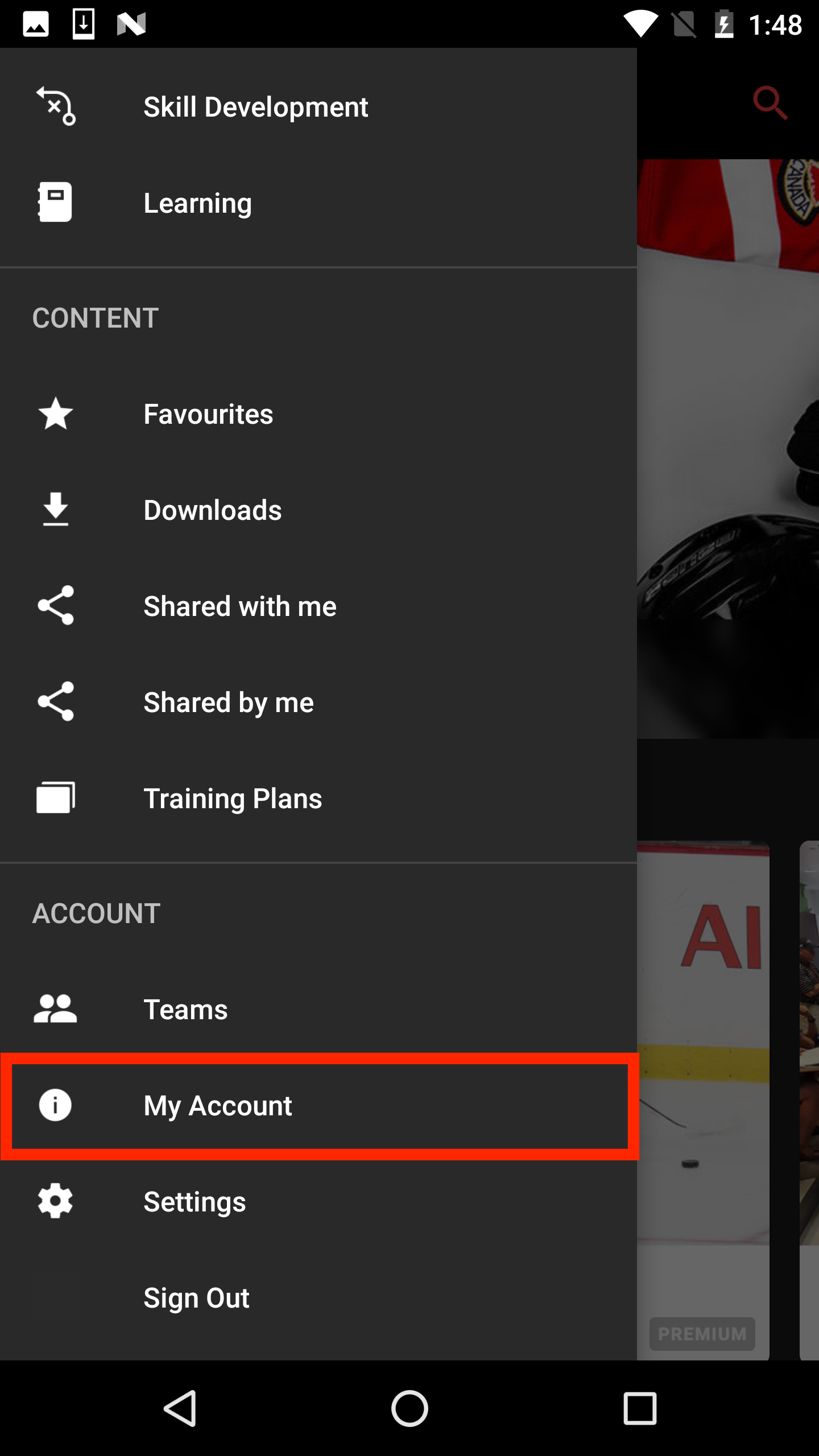
Go to the “My Account” section of your navigation drawer.
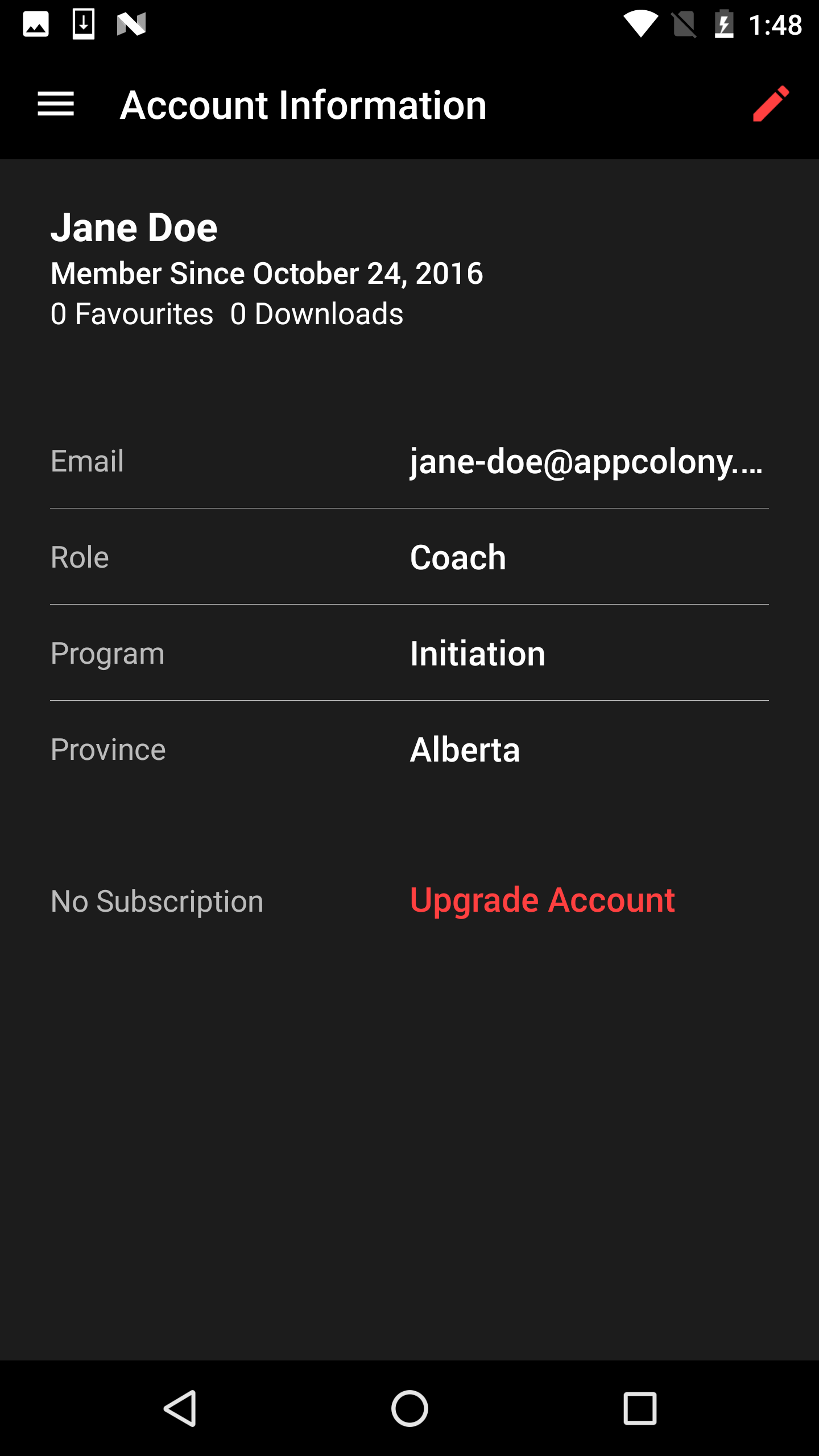
Tap on the pencil icon located in the top right corner of the screen.
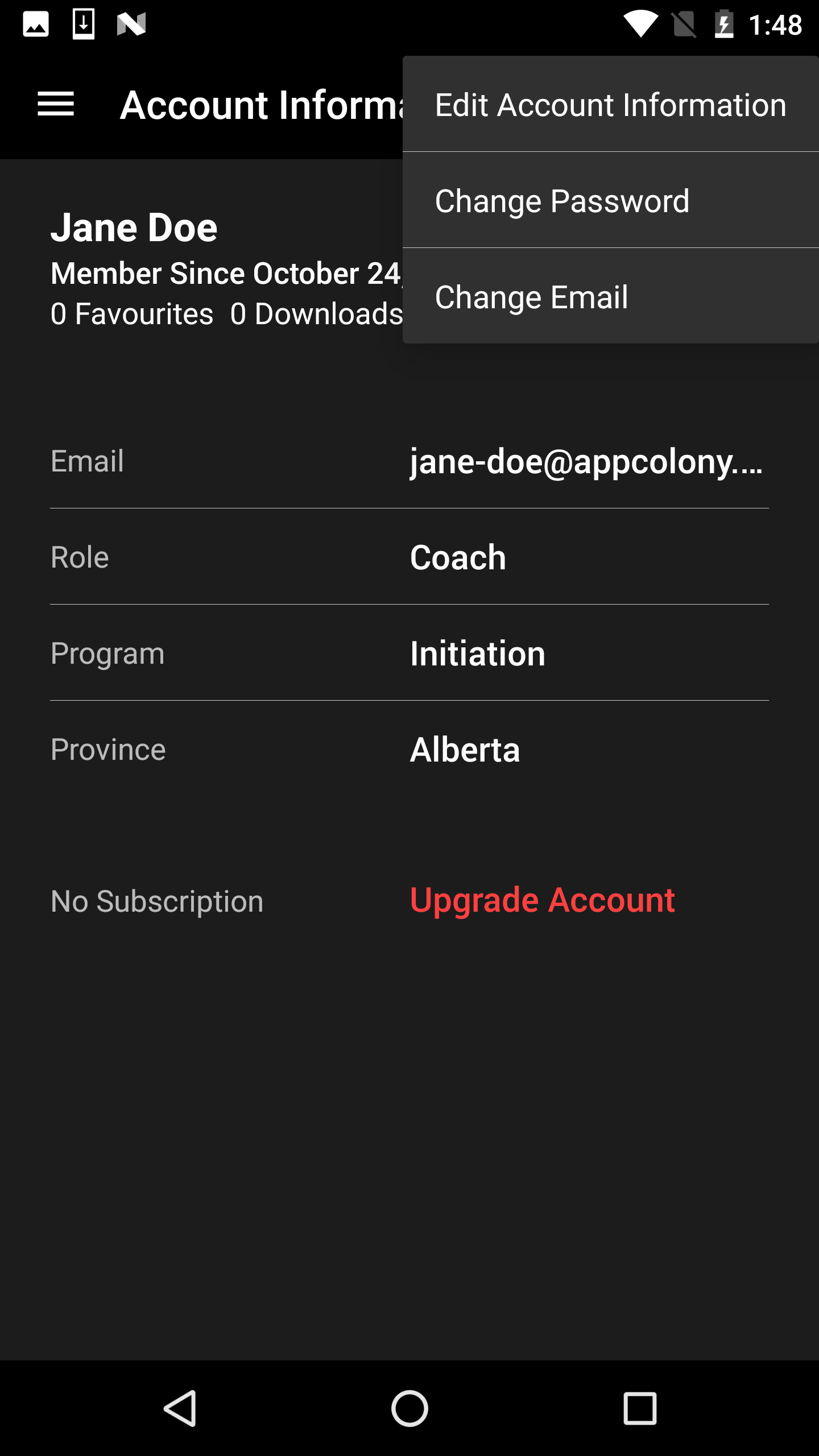
Choose the relevant option: “Edit Account Information,” “Change Email” or “Change Password.”
Follow the on-screen instructions to complete your task.
Was this article helpful?
Still need help?Submit A Ticket