
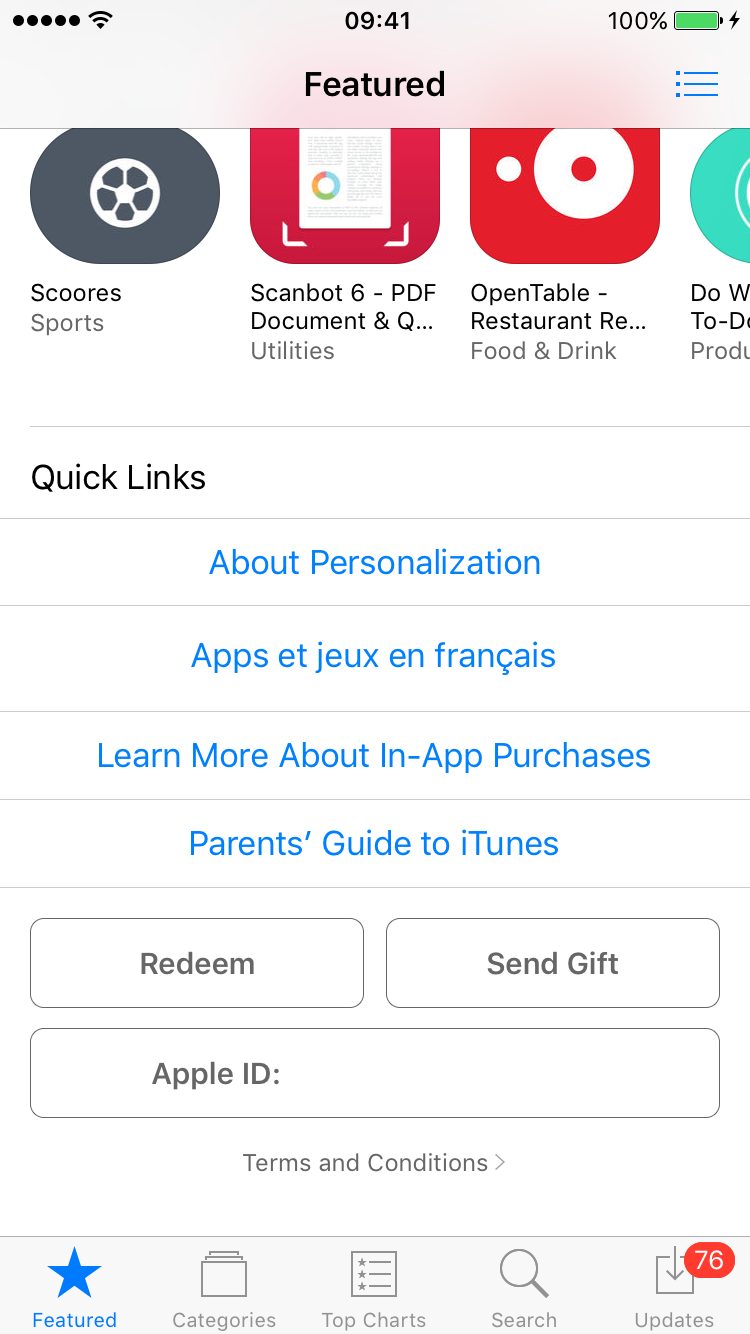
To cancel your Hockey Canada Network subscription on iOS, first open the App Store on your device. Tap on your Apple ID at the bottom of the “Featured” tab.
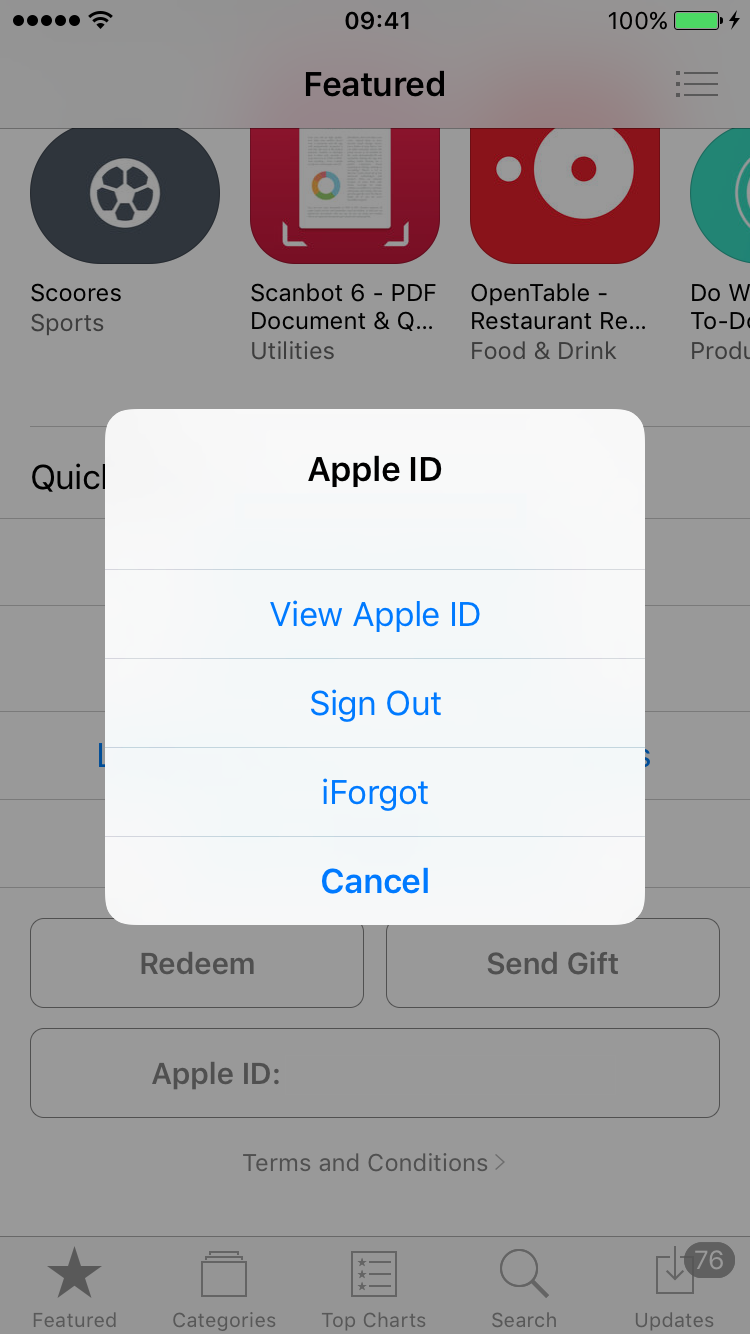
Select “View Apple ID.”
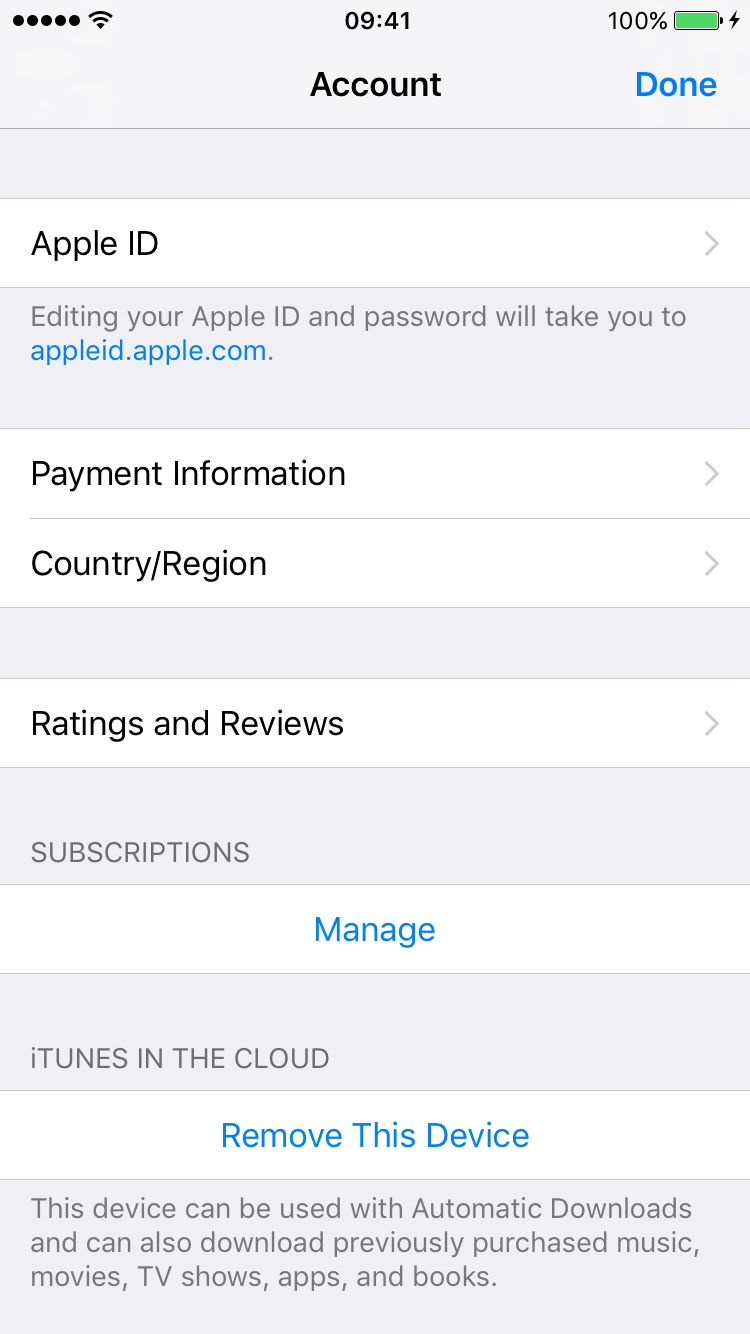
On your account screen there is a section called “Subscriptions”—tap “Manage.”
Select Hockey Canada Network from your list of subscriptions. Choose “Cancel Subscription.” You will be asked to confirm your cancellation and your subscription will expire once your current period ends.
Was this article helpful?
Still need help?Submit A Ticket