
To create a team, go to the "Me" tab and tap on "Teams."
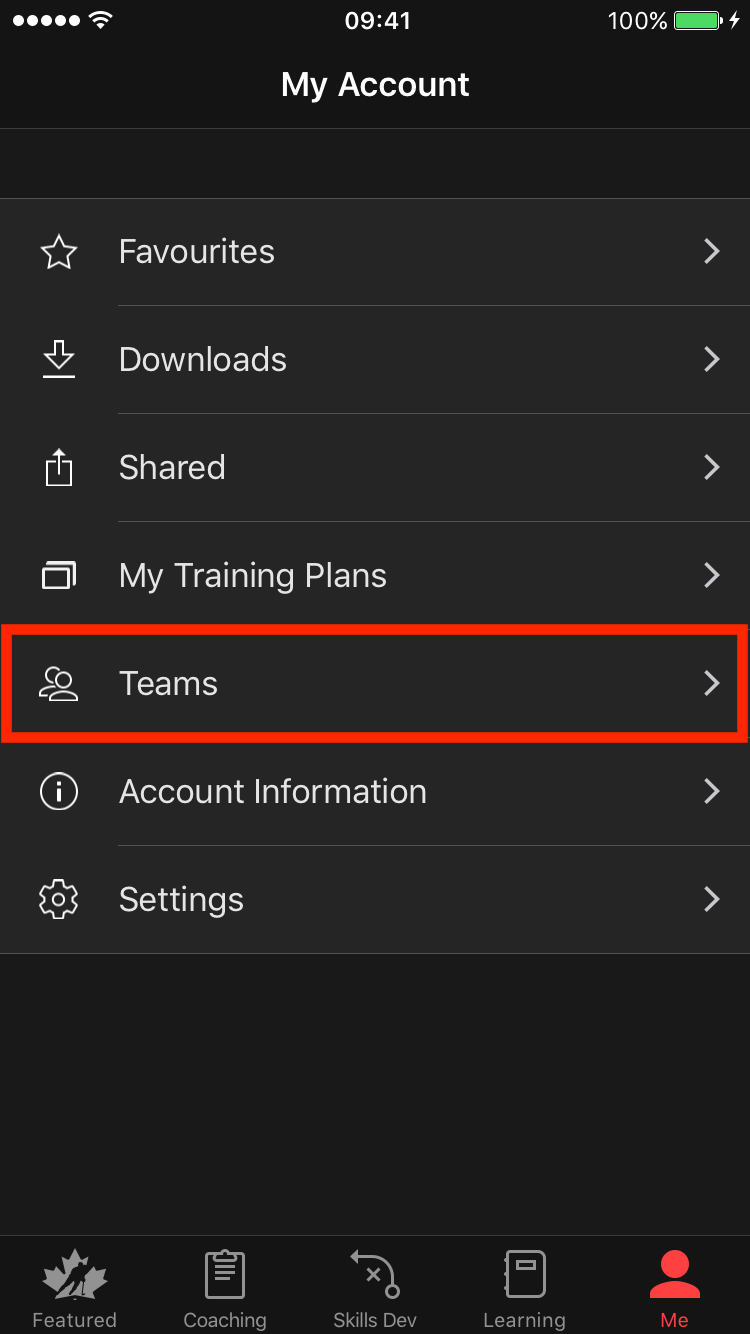
Click on "Create New Team."

Fill in your team details here. Tap on "Save" in the top right corner once you are finished.

To add teammates, tap "Invite Teammates."
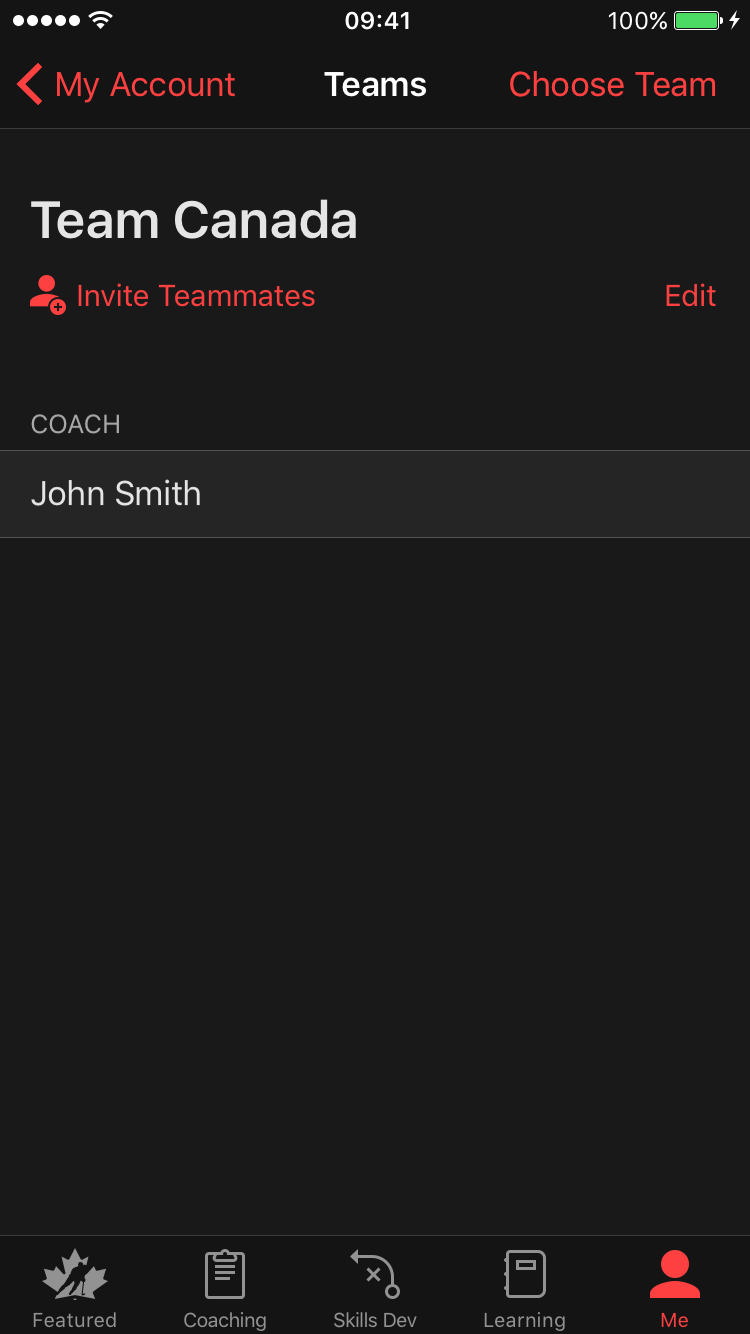
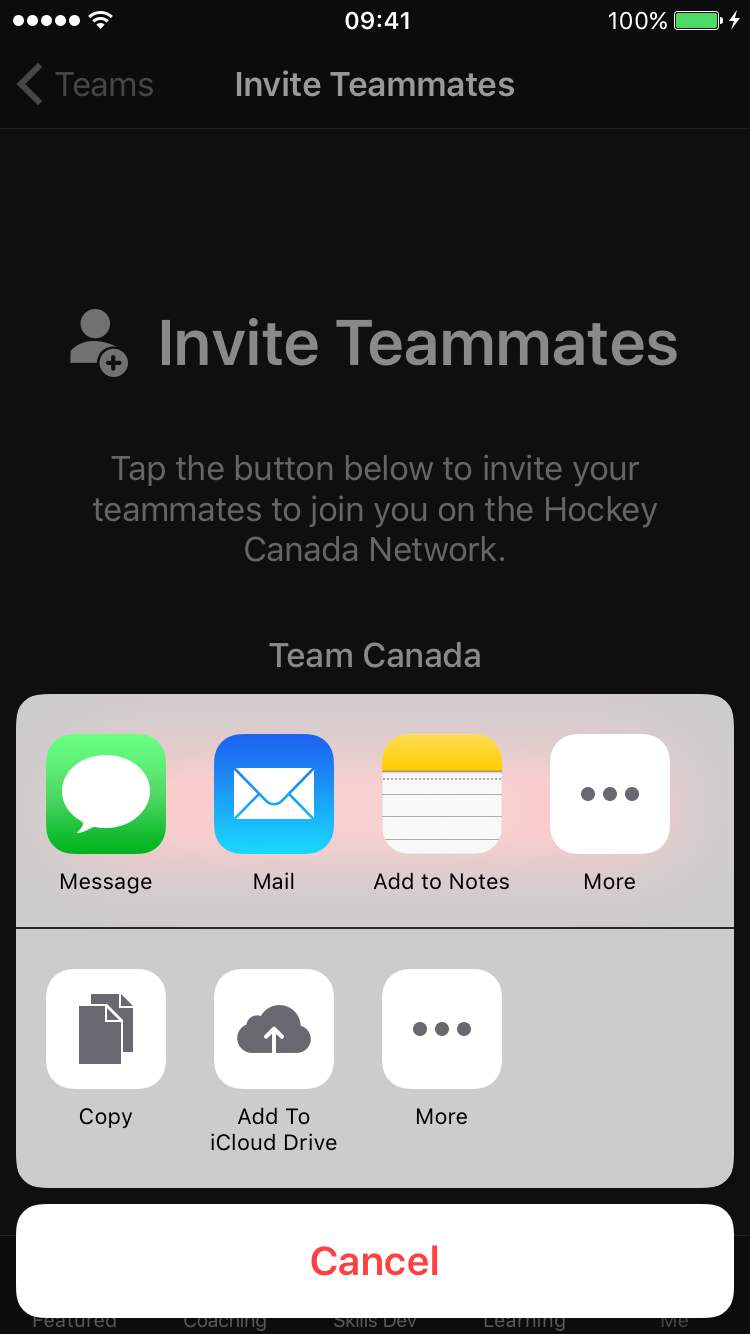
Click on "Invite My Team" to view invitation options.

You will be presented with multiple different options. We recommend inviting your team via email. This will allow you to send multiple invites at once.
An email draft will appear. Add teammates by typing in their name or email in the To: field. This will allow you to select names or email addresses from your contacts. Click Send to complete your invitation.

Was this article helpful?
Still need help?Submit A Ticket