
When viewing a video or article, tap the star icon in the top right corner to mark it as a favourite.

Tap the icon again to remove the article from your favourites.

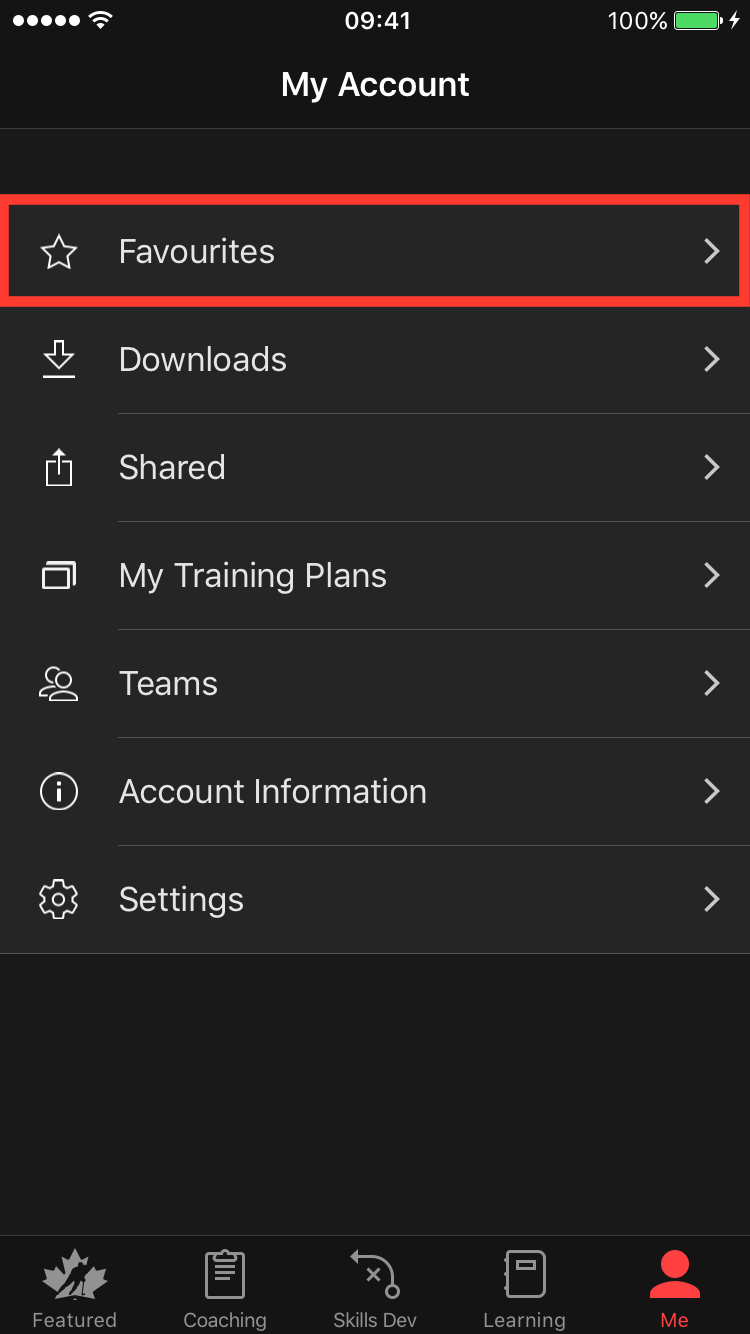
To view only the content you have favourited, go to the “Me” tab and tap on “Favourites.”
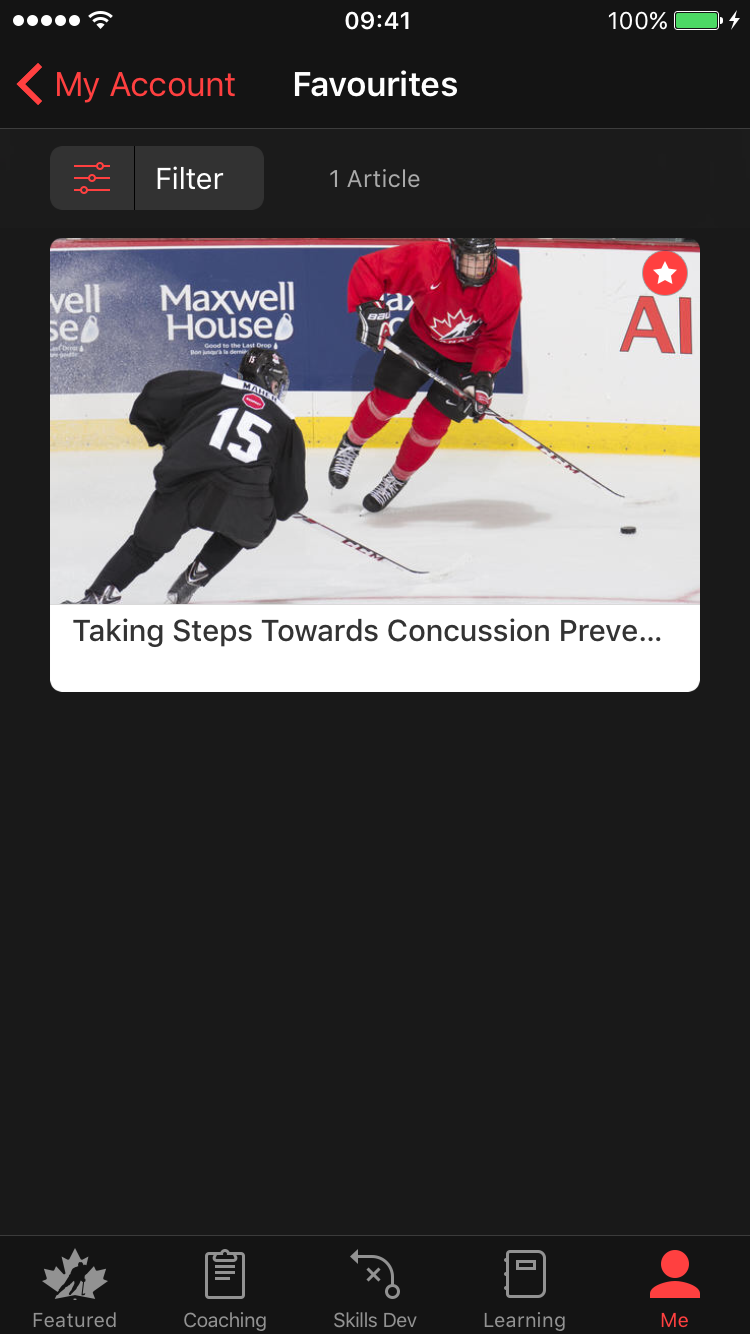
Your favourite articles and videos will appear here.
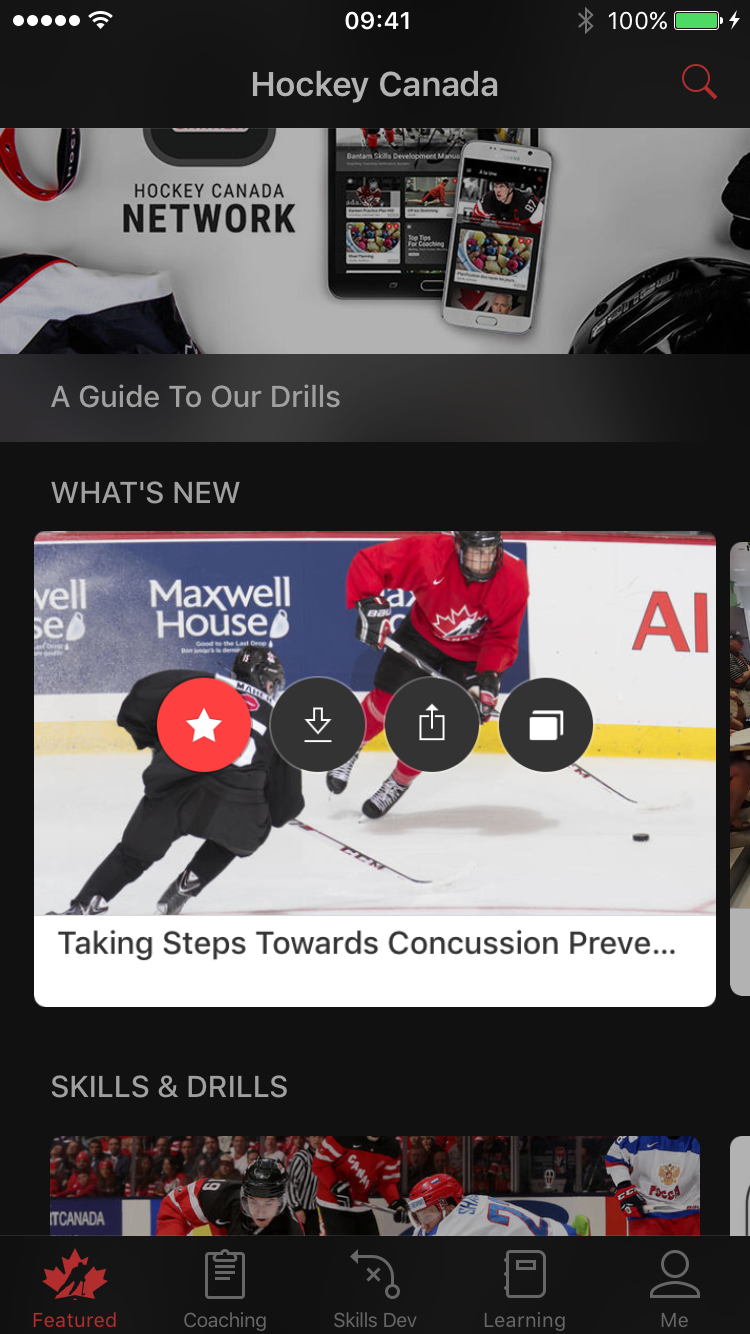
*Tip: You can also use Apple's 3D touch feature to quickly favourite an article or video. Click here to learn more about this Apple feature.
Was this article helpful?
Still need help?Submit A Ticket